
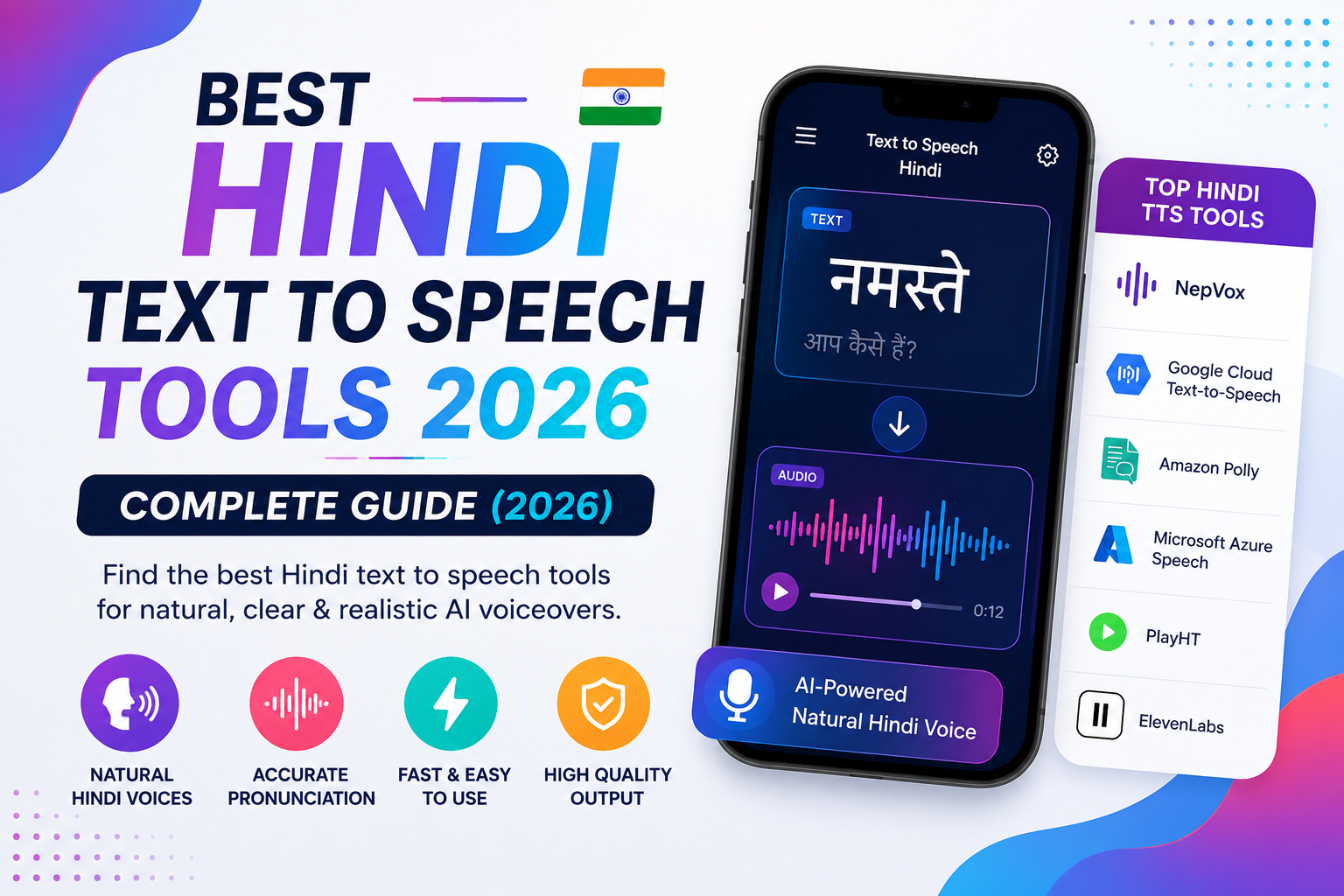
Hindi is spoken by over 600 million people worldwide — making it the third most spoken language on the planet. Yet finding a reliable, natural-sounding Hindi text to speech tool has historically been frustrating. Robotic voices, limited pronunciation support, and expensive pricing have left creators, educators, and developers with poor options.
That changes in 2026. AI-powered Hindi TTS tools have improved dramatically, and there are now genuinely good options for every budget — including free ones.
In this guide, we compare the 7 best Hindi text to speech tools available right now, covering voice quality, pricing, language support, and who each tool is best for.
What to Look for in a Hindi Text to Speech Tool
Before diving into the list, here is what actually matters when choosing a Hindi TTS tool:
Voice naturalness — Does it sound like a real Hindi speaker, or does it stumble over words? Hindi has complex phonemes that many AI systems mispronounce. Listen to samples before committing.
Script support — Does it accept Devanagari (हिन्दी) script, or only Roman transliteration? The best tools handle both.
Regional accent support — Hindi is spoken differently across India. Standard Hindi (Khariboli), Bihari-accented Hindi, and Bollywood-style Hindi all sound different. More accent options = more flexibility.
Character limits — Free plans often cap at 5,000–10,000 characters. A 500-word article is roughly 3,000 characters. Know your volume needs.
Export formats — MP3 and WAV are standard. OGG is useful for web apps. Make sure the tool exports in the format you need.
API access — If you are building an app or workflow, you need a REST API with Hindi support.
7 Best Hindi Text to Speech Tools in 2026
1. NepVox AI — Best Overall for Hindi TTS (Free)
NepVox is an AI-powered text to speech platform with 500+ voices across 80+ languages, including multiple natural-sounding Hindi voices for both male and female speakers.
What makes NepVox stand out for Hindi users is its combination of voice quality, generous free plan, and South Asian language depth. Alongside Hindi, it supports Urdu, Bengali, Tamil, Telugu, Punjabi, Marathi, Nepali, and Gujarati — making it the most comprehensive South Asian TTS platform available.
Key features:
- Multiple Hindi voices (male and female, standard and expressive)
- Accepts Devanagari script natively
- Adjustable rate, pitch, and volume
- Download as MP3, WAV, or OGG
- 45 speaking styles including cheerful, calm, newscast, and formal
- Free plan with 5,000 characters/month — no credit card required
- Paid plans from just $4/month for 500,000 characters
Best for: Content creators, YouTubers, educators, podcasters, and developers who need high-quality Hindi voiceovers without a large budget.
Pricing: Free forever plan available. Paid plans start at $4/month.
👉 Try NepVox Hindi Text to Speech for free →
2. ElevenLabs — Best for Ultra-Realistic Cloned Hindi Voices
ElevenLabs is widely considered the highest-quality AI voice platform in the world. Its Hindi support has improved significantly in 2025–2026, and the voice cloning feature allows you to create a custom Hindi voice from just a few minutes of audio.
Key features:
- Multilingual voice cloning (clone your own Hindi voice)
- Very natural prosody and intonation
- Emotional voice controls
Limitations:
- Expensive — free plan is very limited (10,000 characters/month)
- Paid plans start at $5/month but quickly reach $22–$99/month for serious use
- Fewer South Asian language options overall
- No Nepali, Sinhala, or Urdu support
Best for: Professional studios and agencies that need cloned Hindi voices and have the budget.
Pricing: Free (very limited). Paid from $5/month.
3. Murf AI — Best for Hindi Corporate and E-Learning Content
Murf AI is a popular studio-quality TTS platform with a dedicated Hindi voice library. It is particularly strong for corporate training, e-learning narration, and explainer videos.
Key features:
- Studio-grade Hindi voices
- Built-in video editor with voiceover sync
- Team collaboration features
- Multiple Hindi accents
Limitations:
- No true free plan (only a free trial)
- Pricing is significantly higher than NepVox — starts at $29/month
- Fewer languages overall compared to NepVox
Best for: Corporate teams creating training materials in Hindi.
Pricing: Free trial only. Paid from $29/month.
4. Google Cloud Text to Speech — Best for Developers
Google Cloud TTS offers WaveNet and Neural2 Hindi voices with excellent accuracy. It is the API of choice for developers building applications that need reliable Hindi TTS at scale.
Key features:
- WaveNet Hindi voices (very natural)
- REST API with simple integration
- High uptime SLA
- Pay-as-you-go pricing
Limitations:
- No web interface — developers only
- Pricing gets expensive at scale (approximately $16 per 1 million characters for WaveNet)
- No free web tool for casual use
- Complex setup compared to NepVox
Best for: Developers and engineers integrating Hindi TTS into apps and products.
Pricing: Free up to 1 million characters/month (standard voices). WaveNet voices from $16/million characters.
5. Azure Neural TTS (Microsoft) — Best for Enterprise Hindi Applications
Microsoft Azure's Neural TTS powers many third-party Hindi voice tools — including parts of NepVox. Azure offers some of the most natural Hindi voices available, with deep support for Devanagari script, SSML customisation, and enterprise-grade reliability.
Key features:
- Natural Hindi Neural voices (Swara, Madhur, and more)
- SSML support for fine-grained control
- Custom neural voice training
- 99.9% SLA
Limitations:
- Enterprise-oriented — complex to set up for individuals
- Pricing by consumption — can be costly without optimisation
- Requires Azure account and technical setup
Best for: Enterprises building customer service bots, IVR systems, or large-scale Hindi audio production.
Pricing: Free tier (5 hours audio/month). Paid from $4–$16 per 1 million characters.
6. Speechify — Best for Hindi Reading Assistance
Speechify is primarily designed as a reading tool — it converts any text, document, or webpage into speech so you can listen while doing other things. Its Hindi support makes it useful for students and professionals who want to consume Hindi content hands-free.
Key features:
- Chrome and mobile extensions for instant page-to-speech
- Hindi voice available
- OCR scanning (photograph Hindi text and listen to it)
- Speed control up to 4.5x
Limitations:
- Not designed for content creation — you cannot export audio files easily
- Premium required for Hindi voice access
- Limited voice variety
Best for: Students and readers who want to listen to Hindi text rather than create voiceovers.
Pricing: Free (limited). Premium from $139/year.
7. Amazon Polly — Best for AWS-Integrated Hindi TTS
Amazon Polly offers Hindi neural voices (Kajal) that are natural and reliable. It integrates natively with the AWS ecosystem, making it the obvious choice for developers already building on AWS.
Key features:
- Kajal (Neural) — a high-quality female Hindi voice
- Real-time streaming synthesis
- SSML support
- Native AWS integration (Lambda, S3, etc.)
Limitations:
- No web interface
- Developer setup required
- Voice variety is limited compared to NepVox (1 Hindi voice vs multiple)
Best for: AWS developers who want to add Hindi TTS to their cloud applications.
Pricing: Free tier (5 million characters/month for 12 months). Then $4 per 1 million characters.
Side-by-Side Comparison: Hindi Text to Speech Tools
| Tool | Hindi Voices | Free Plan | Starts At | Devanagari | API | Best For |
|---|---|---|---|---|---|---|
| NepVox | Multiple (M+F) | ✅ 5K chars | $4/mo | ✅ | ✅ | Creators, all users |
| ElevenLabs | Limited | ✅ 10K chars | $5/mo | ⚠️ | ✅ | Voice cloning |
| Murf AI | Multiple | ❌ Trial only | $29/mo | ✅ | ✅ | Corporate/E-learning |
| Google Cloud | WaveNet | ✅ 1M chars | $4/1M chars | ✅ | ✅ | Developers |
| Azure TTS | Neural (Swara) | ✅ 5hr/mo | $4/1M chars | ✅ | ✅ | Enterprise |
| Speechify | 1 Hindi voice | ✅ Limited | $139/yr | ⚠️ | ❌ | Reading/listening |
| Amazon Polly | Kajal (Neural) | ✅ 12 months | $4/1M chars | ✅ | ✅ | AWS developers |